



Tech explained
What Is Auto Keystone? How It Fixes a Slanted Projector Image
Auto keystone straightens a slanted projector image automatically. Here is how it works, what it costs in sharpness, and how to need less of it.

On this page
- Why does a projected image turn into a trapezoid?
- How does auto keystone work?
- What is the difference between auto keystone, manual keystone, and lens shift?
- Does keystone correction lower picture quality?
- What is the best placement before you rely on keystone?
- Which Zoomly models have auto keystone?
- Frequently asked questions
Auto keystone is a projector feature that straightens a slanted, trapezoid-shaped image by itself. Sensors measure the tilt, and the projector digitally reshapes the picture back into a rectangle. It works well for small tilts, but it rescales the image, so placing the projector square to the screen still gives the sharpest result.
Why does a projected image turn into a trapezoid?
A projector sends out a cone of light. When the lens points straight at the screen, the beam hits every part of the surface at the same angle, and you get a clean rectangle.
Tilt the projector up, and the top of the beam travels farther than the bottom. The top edge ends up wider than the bottom edge, and the picture looks like a trapezoid. Turn the projector sideways and the same thing happens left to right.
That distortion is called the keystone effect, named after the wedge-shaped stone at the top of an arch. It shows up whenever the projector sits on a coffee table, a shelf above the screen, or a ceiling mount that is not perfectly aligned.

How does auto keystone work?
Auto keystone replaces the manual adjustment you used to do by hand. The projector measures its own angle relative to the screen, then corrects the picture without any input from you.
Depending on the model, the measurement comes from a built-in tilt sensor (an accelerometer or gyroscope), a camera that looks at the screen, or a distance sensor. The projector uses that data to work out how the image is distorted.
It then pre-warps the picture in the opposite direction. The video is squeezed on the wide side, so that when the light lands on the wall at an angle, it forms a straight-edged rectangle.
What is the difference between auto keystone, manual keystone, and lens shift?
All three solve the same problem, but they do it differently. The table shows what matters in daily use.
| Method | How it works | Effort | Effect on picture quality |
|---|---|---|---|
| Auto keystone | Sensors detect the tilt; the image is warped digitally | None, it runs when you set up or move the projector | Small loss of sharpness at larger corrections |
| Manual keystone | You drag the corners or edges in a menu | A minute or two per setup | Same digital warp as auto |
| Optical lens shift | The lens moves inside the projector | Turn a dial | No loss, because nothing is warped |
Lens shift is the cleanest option, but it is mostly found on larger and more expensive projectors. Keystone correction, automatic or manual, is the common solution on home projectors.
Does keystone correction lower picture quality?
A little, yes. Digital correction works by reshaping the video, which means the projector has to rescale part of the image. Some pixels no longer line up one-to-one with the original picture.
With a small correction, you will rarely notice it. With a large one, you may see slightly softer edges, thin lines that look a touch jagged, or text that is less crisp near the corners. The picture can also end up a bit smaller, because the projector shrinks it to keep all four edges straight.
The fix is simple: keep the correction small. The less the projector has to bend the image, the closer you stay to the original quality.
What is the best placement before you rely on keystone?
Put the projector as close as you can to the center of the screen, with the lens pointing straight at it. A few practical rules:
- Place the projector at about the height of the middle of the picture, or slightly below or above it, rather than at a steep angle.
- Keep the projector level from left to right. Side-to-side tilt is harder to hide than a small up-and-down tilt.
- Face the screen squarely. If you must sit off-center, stay within a modest angle.
- Set the distance for the screen size you want. Our projector distance guide has the numbers.
Then let auto keystone handle what is left. It is best at cleaning up the last few degrees, not at rescuing a projector that sits at an extreme angle.
Which Zoomly models have auto keystone?
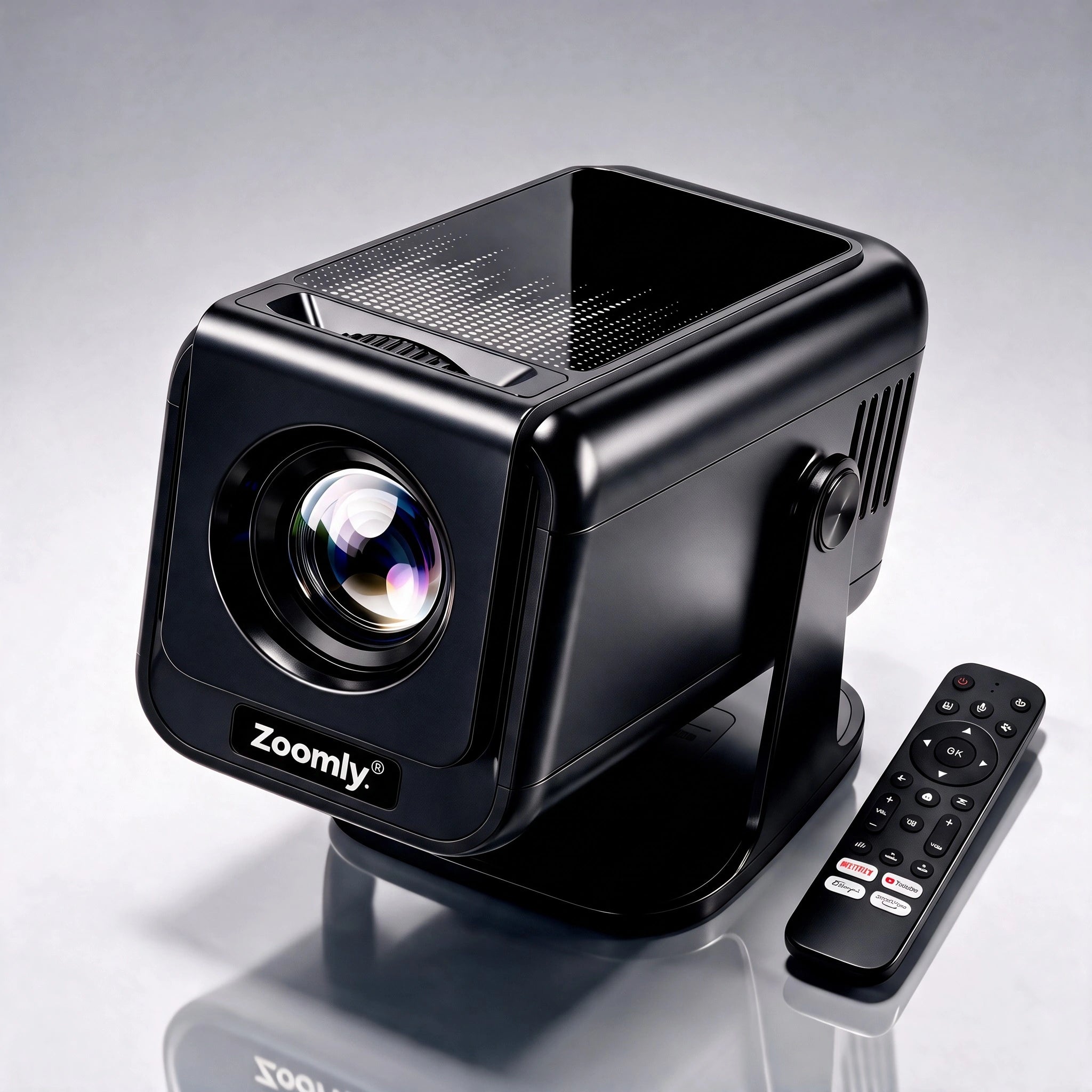
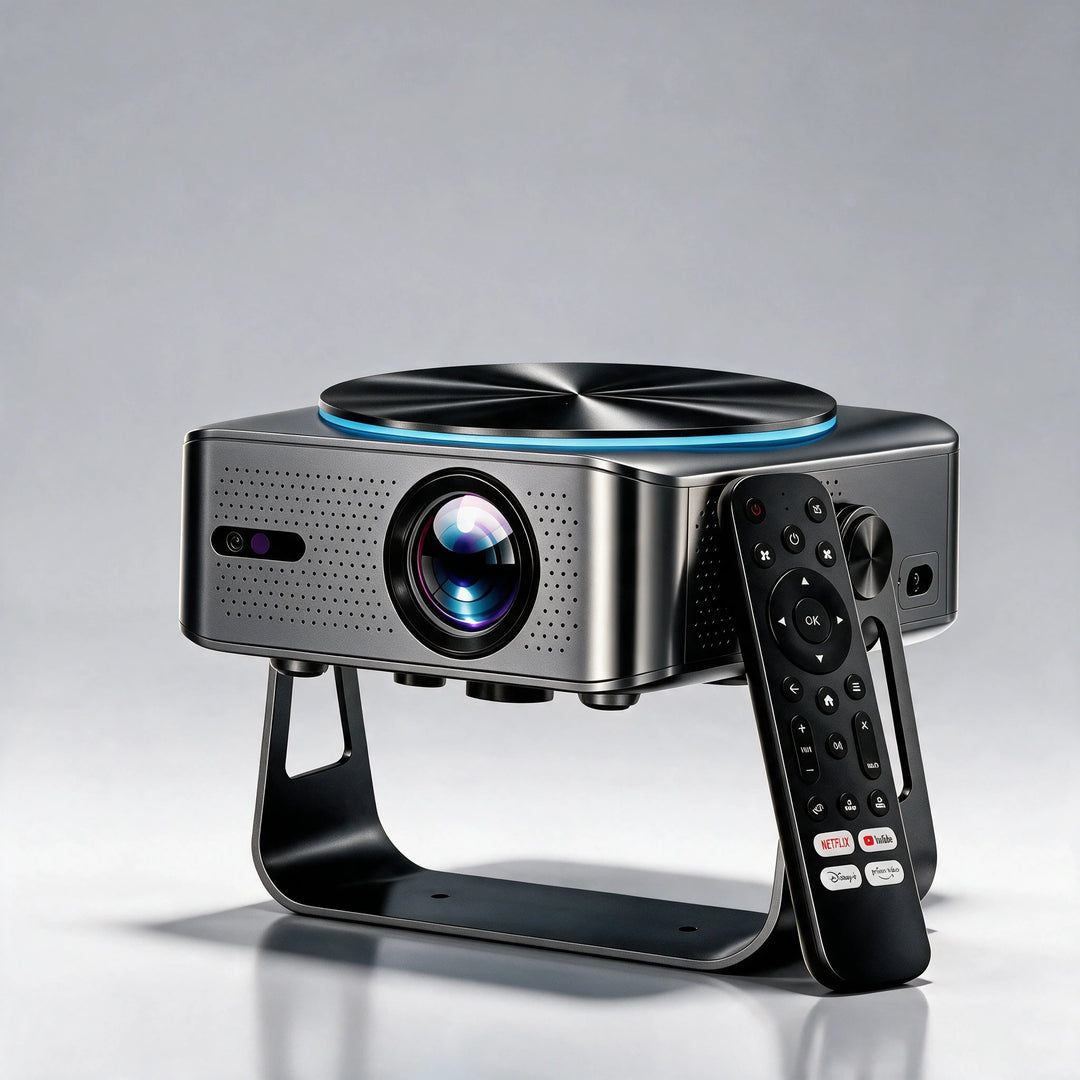
The Zoomly Pro Elite combines autofocus with auto keystone. The projector needs at least 1.5 to 2 m (5 to 6.5 ft) from the screen to calibrate both. If you prefer to control the shape yourself, you can switch auto keystone off and adjust the four corners manually with Four Point Trapezoid Correction.
The Zoomly Pro Max also has auto keystone. Its focus is manual, using a focus ring on the lens, so you set sharpness by turning the ring after the shape is corrected.
On both models, auto keystone corrects vertical tilt: a projector aimed up or down at the screen. If the projector sits off to one side, move it so it faces the screen straight on instead of relying on correction.
If you are setting up in a bedroom, where the projector often sits on a nightstand or points at the ceiling, our bedroom projector guide shows how to place it so keystone stays small.
Frequently asked questions
Does auto keystone blur the image?
It can soften the picture slightly, because the projector rescales the video to straighten it. With a small correction the effect is hard to see. With a large one, edges and small text may look less crisp.
Is auto keystone better than manual keystone?
Auto is faster and needs no skill. Manual gives you control over every corner, which helps when the screen is not a perfect rectangle or when the sensors misread a dark wall. The image quality cost is similar, since both warp the picture digitally.
What is the difference between keystone and lens shift?
Keystone warps the image digitally. Lens shift moves the lens physically, so the picture moves without being distorted. Lens shift keeps full quality, but it is less common on home projectors.
How far can keystone correct?
Most projectors handle a vertical tilt of up to roughly 30 degrees, with image quality dropping as the angle grows. The exact limit depends on the model, so check its manual and keep the angle as small as practical.
Can I use auto keystone on the ceiling?
Yes, as long as the projector is flipped for ceiling mounting in its settings and is mounted close to square with the screen. Both the Pro Elite and the Pro Max have a standard 1/4"-20 thread underneath that fits any matching tripod or ceiling bracket.
Ready for a bigger picture?
Zoomly® Pro Elite 4K Smart Beamer
Products in this guide
Zoomly® Pro Elite 4K Smart Beamer
Keep reading

1080p vs 2K vs 4K Projector: When the Upgrade Is Worth It
Is a 4K projector worth it? Screen size, seating distance, native resolution, and brightness decide, and 2K sits only a little above 1080p.

How Far Should a Projector Be From the Screen? Throw Distance Chart
Find the right projector distance for any picture size, with the formula, a worked example, and official distance charts for the Pro Elit...

Projector for a Bedroom: Size, Brightness, Ceiling and Noise
A bedroom is a good place for a projector because you can make it dark. Pick the picture size from your distance, then place the projecto...