



Buying guide
Portable Projector Buying Guide: The Specs That Matter
Check native resolution, ANSI lumens, focus, keystone, power, and apps before you buy a portable projector. Here is what matters and what to ignore.

On this page
When you buy a portable projector, check five things first: native resolution, ANSI lumens, setup features (autofocus and keystone), how it gets power, and which apps it runs. Then match brightness to your room. No portable projector beats daylight, so plan for a dim or dark space.
What makes a projector portable?
There is no strict rule. In practice, a portable projector is one you can pick up with one hand, carry from room to room, and set up in a minute or two without a ceiling mount.
Some portable models run on a built-in battery. Others are small but need to be plugged in. Both are useful, but they suit different habits, so decide how you plan to use it before you compare specs.
Which specs matter, and what should you look for?
| Spec | What to look for | Why it matters |
|---|---|---|
| Native resolution | 1080p for most rooms; native 4K for large pictures | "4K supported" often means a lower-resolution chip |
| Brightness | ANSI lumens, not marketing lumens | Decides how well the picture holds up with some light |
| Focus | Autofocus or a smooth manual ring | Saves time every time you move it |
| Keystone | Auto keystone | Straightens the picture when the projector is not square to the wall |
| Power | Battery runtime if you need cordless use; otherwise a mains plug | Decides where you can use it |
| Apps and OS | Netflix and your streaming apps working natively | Avoids needing an extra streaming stick |
| Audio | Built-in speakers plus Bluetooth or AUX out | Built-in sound is usually modest |
| Mounting | A standard 1/4"-20 tripod thread | Lets you use any tripod or bracket |
How bright should a portable projector be?
Brightness is measured in lumens, but there are two measuring methods. ANSI lumens follow a standard test and are the number to compare. "Light-source" lumens, sometimes called marketing lumens, are measured at the light source, run much higher, and tell you little about the picture on the wall. A listing that shows a huge lumen figure with no mention of ANSI is not comparable to one that does.
In a dark room, a modest ANSI rating works well. With lamps on or light leaking through curtains, more brightness keeps colors from fading. In direct daylight, no projector in this class gives a good picture, so draw the curtains or wait until evening.
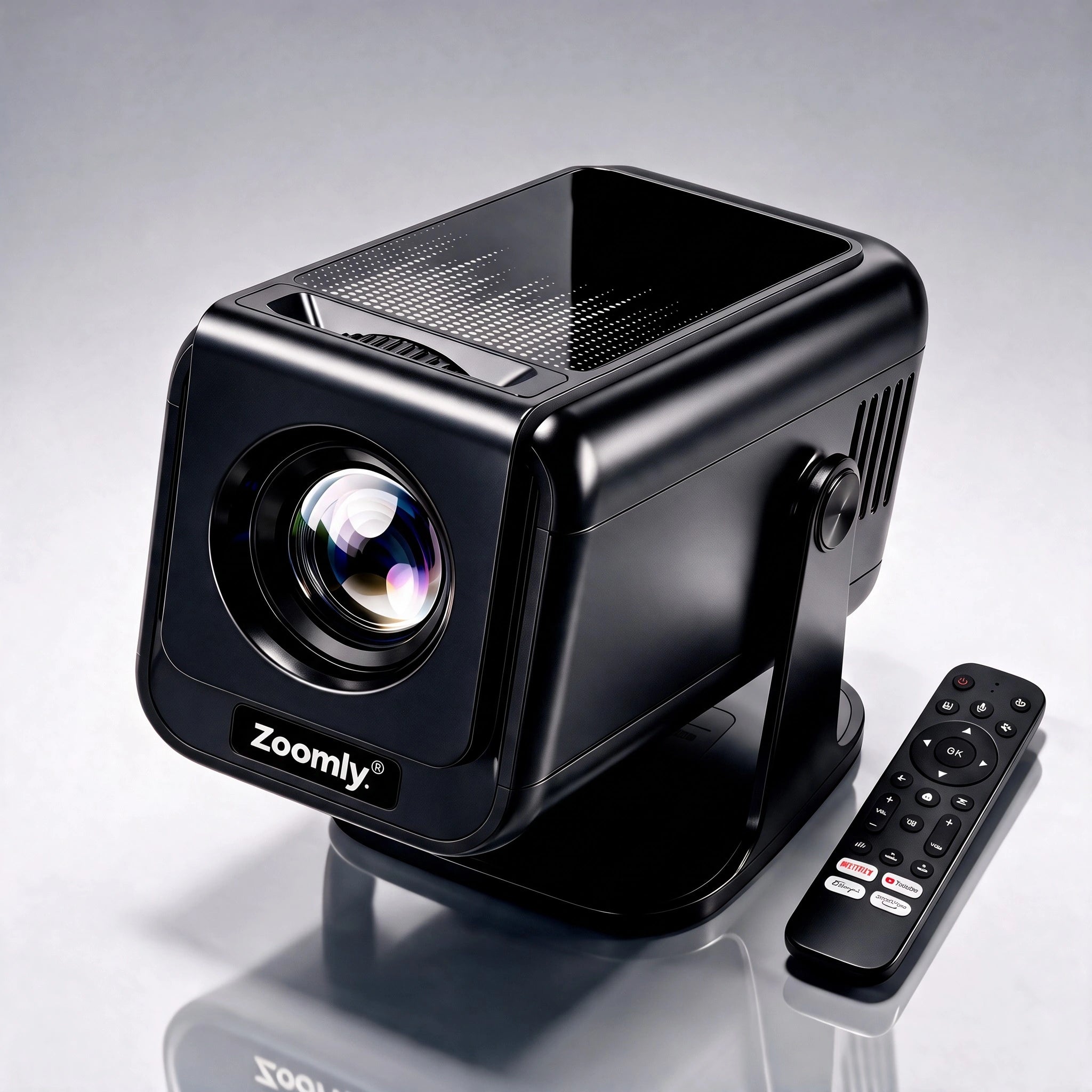
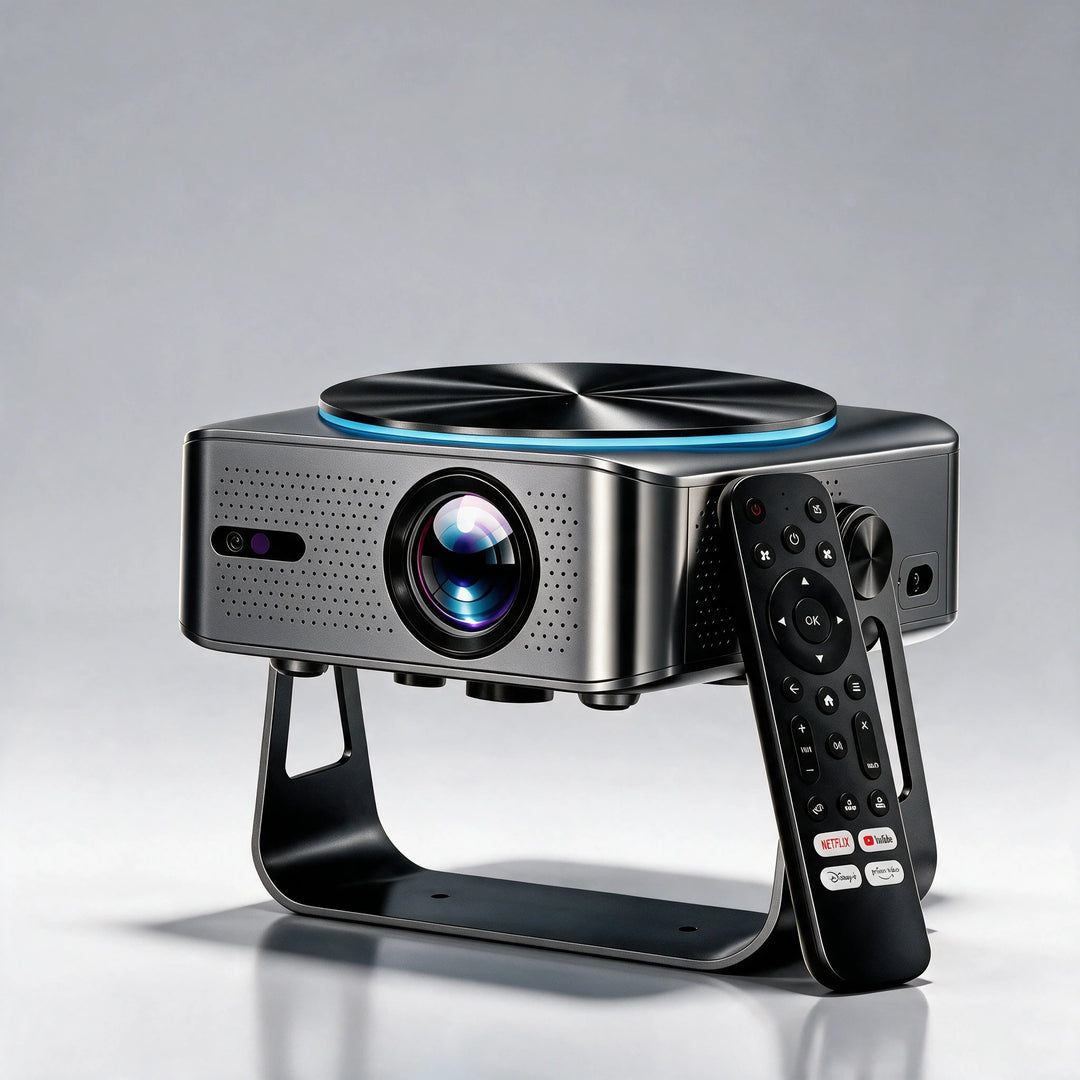
For reference, the Zoomly Pro Max is rated at 900 ANSI lumens and the Pro Elite at 2,000 ANSI lumens.
Battery or plug-in?
If you want to watch in a tent, on a patio, or anywhere without a socket, you need a model with a battery, and you should check how long it runs at full brightness. Many quote runtimes at low brightness, which are longer than you will see in real use.
If you mostly move the projector between a living room and a bedroom, a plug-in model is simpler and often brighter, because it does not have to trade light for battery life. Think of "portable" as "easy to move", not necessarily "cordless".
Which setup features save the most time?
If you move the projector often, setup speed matters. Two features do most of the work.
- Autofocus sharpens the picture on its own when you place the projector.
- Auto keystone straightens a slanted picture. Read What Is Auto Keystone? to learn how it works and what it costs in sharpness.
The Zoomly Pro Elite has both. It needs at least 1.5 to 2 m (5 to 6.5 ft) to calibrate. The Zoomly Pro Max has auto keystone, and you set focus by turning a ring on the lens.
What about apps, sound, and connections?
Look for an operating system with the apps you use. The Pro Elite runs Android 14 with Google Play, which is not Google TV. Netflix works natively on both the Pro Elite and the Pro Max, so you do not need an extra stick.
For sound, built-in speakers suit casual viewing. The Pro Elite sends audio out by Bluetooth, which you pair in the projector's Settings, or through an AUX port. It does not have HDMI ARC, so check that your sound setup matches.
What mistakes should you avoid?
- Buying on lumens alone. Marketing lumens inflate the number. Compare ANSI figures.
- Trusting "4K supported". Look for native resolution. Our 1080p vs 4K guide explains why.
- Ignoring the room. A dim room beats a bright projector in a bright room.
- Forgetting the surface. A smooth, light wall or a portable screen makes a visible difference.
- Skipping the distance check. Make sure the picture size you want fits the space. See the distance guide.
Frequently asked questions
Can I use a portable projector in daylight?
Not well. No projector in this class beats daylight. Close the curtains, choose a dimmer part of the day, or use a smaller picture to keep it bright.
Is battery or plug-in better?
Battery models give freedom outdoors but usually trade brightness and runtime. Plug-in models are simpler and often brighter. Choose based on where you will use it.
What is native resolution?
It is the actual number of pixels on the projector's imaging chip. "4K supported" only means the projector accepts a 4K signal, not that it displays all those pixels.
Can I game on a portable projector?
Yes, but check the input lag in the specs or in reviews, since projectors differ. Auto keystone and a stable mounting spot help keep the picture steady.
Do I need a screen?
Not always. A smooth, light wall works in a dark room. A screen helps on rough or colored walls. See projector screen vs wall.
Ready for a bigger picture?
Zoomly® Pro Elite 4K Smart Beamer
Products in this guide
Zoomly® Pro Elite 4K Smart Beamer
Keep reading

What Is Auto Keystone? How It Fixes a Slanted Projector Image
Auto keystone straightens a slanted projector image automatically. Here is how it works, what it costs in sharpness, and how to need less...

How Far Should a Projector Be From the Screen? Throw Distance Chart
Find the right projector distance for any picture size, with the formula, a worked example, and official distance charts for the Pro Elit...

1080p vs 2K vs 4K Projector: When the Upgrade Is Worth It
Is a 4K projector worth it? Screen size, seating distance, native resolution, and brightness decide, and 2K sits only a little above 1080p.